
Clear Effect app
Simplicity and overview
As a client you get access to the Clear Effect app. It lets you easily gather direct feedback from customers and employees, and makes goals, actions and progress visible to everyone in your organisation. Management team members set the goals and KPIs; employees take the wheel to add and manage the underlying improvement initiatives. No more scattered spreadsheets - everything in one simple overview. The result is more transparency, a better understanding of decisions, and a shared culture of continuous improvement.
Send out surveys
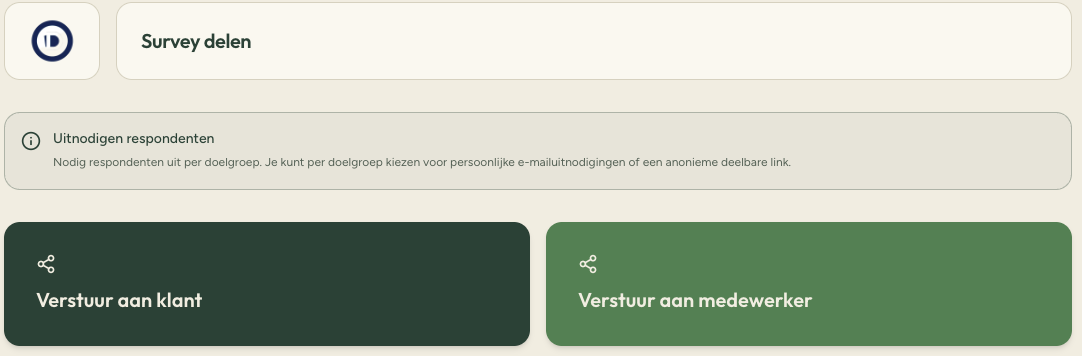
Send surveys to customers and/or employees in a few clicks. Select the target group, send the surveys and get real-time insight into strengths and areas for improvement.
Swipe horizontally to see the full view.
Clear insight into results
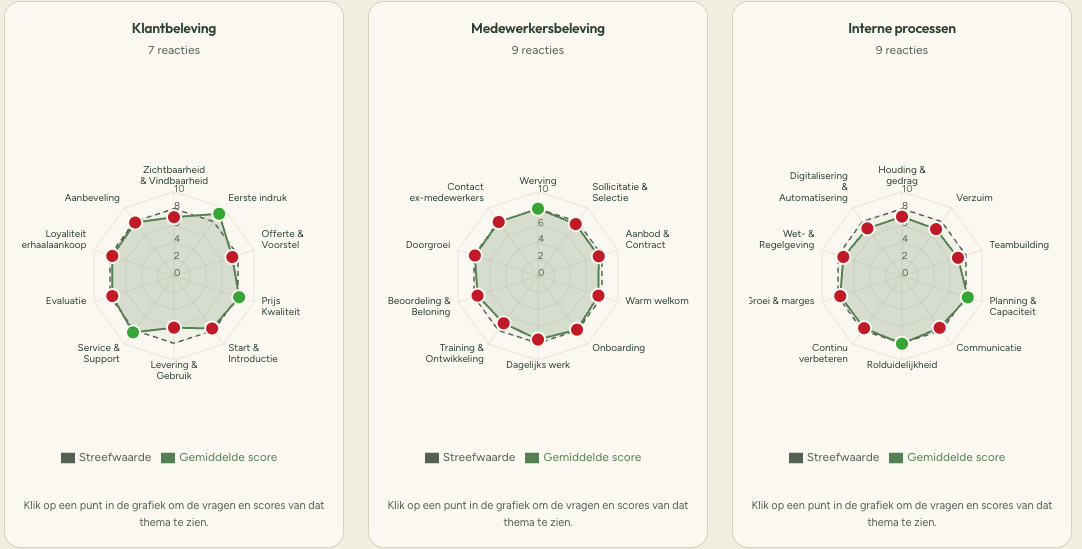
All responses come together in a clear overview, so you can immediately see where your organisation scores well and where improvement is possible.
Swipe horizontally to see the full view.
Determine priority themes
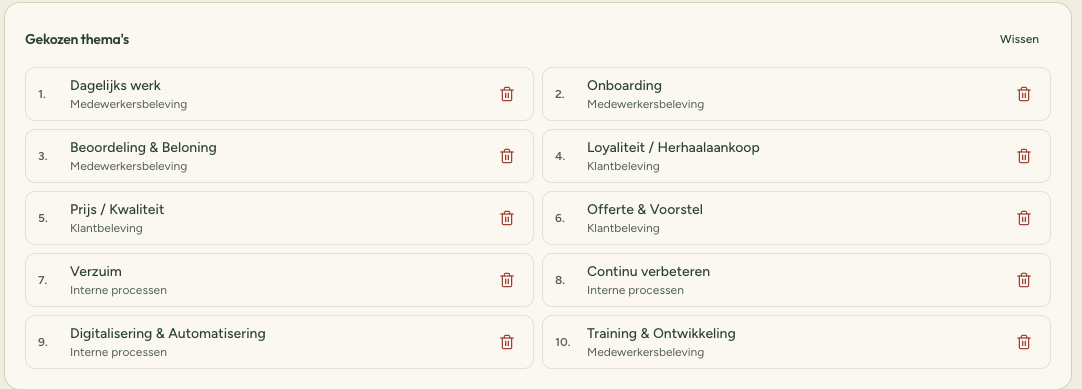
In a session facilitated by Clear Effect with the management team, priorities for the coming year are set together. In the chart in the Clear Effect app, the highest-priority themes to improve can then be selected with a simple click. To keep things clear and motivating, we recommend choosing no more than 10 themes.
Swipe horizontally to see the full view.
Define goals and actions
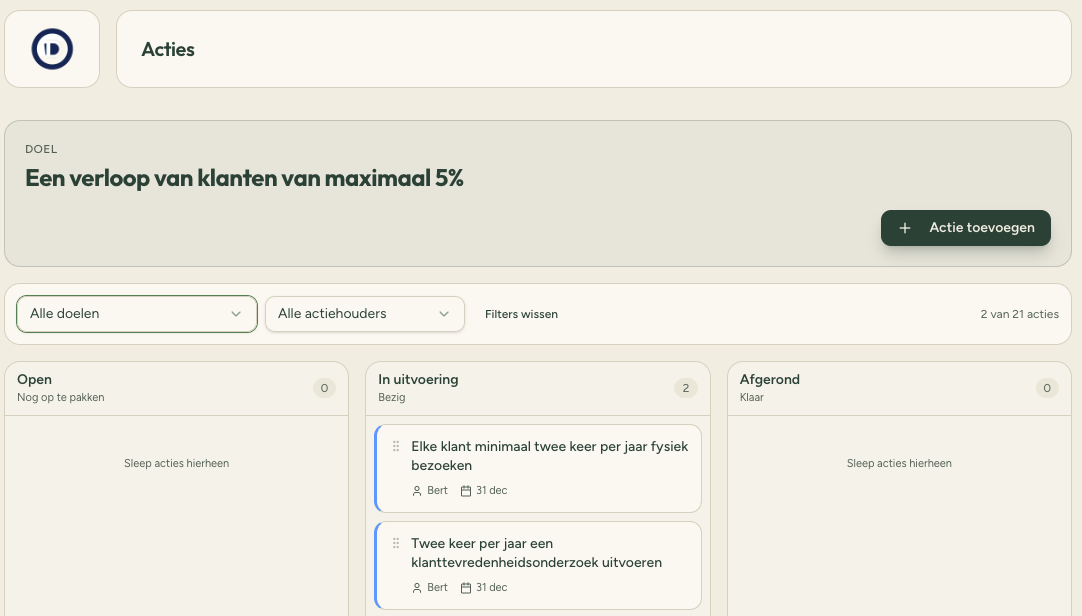
The goals and KPIs set during the management team session are clearly displayed in the Clear Effect app. The improvement team assembled by the goal owner can then add initiatives to the app. They can add, adjust and complete new initiatives at their own discretion, while the goal owner keeps the overview. No more scattered spreadsheets, but one central, clear hub for managing all improvement goals and initiatives.
Swipe horizontally to see the full view.
Measure progress
Send the surveys to customers and/or employees again and gain insight into progress on the goals set earlier. Goal owners decide which goals are completed and which are still ongoing. Then choose the highest-priority themes to work on in the next period - and keep improving continuously.